
Marking the end of the work day
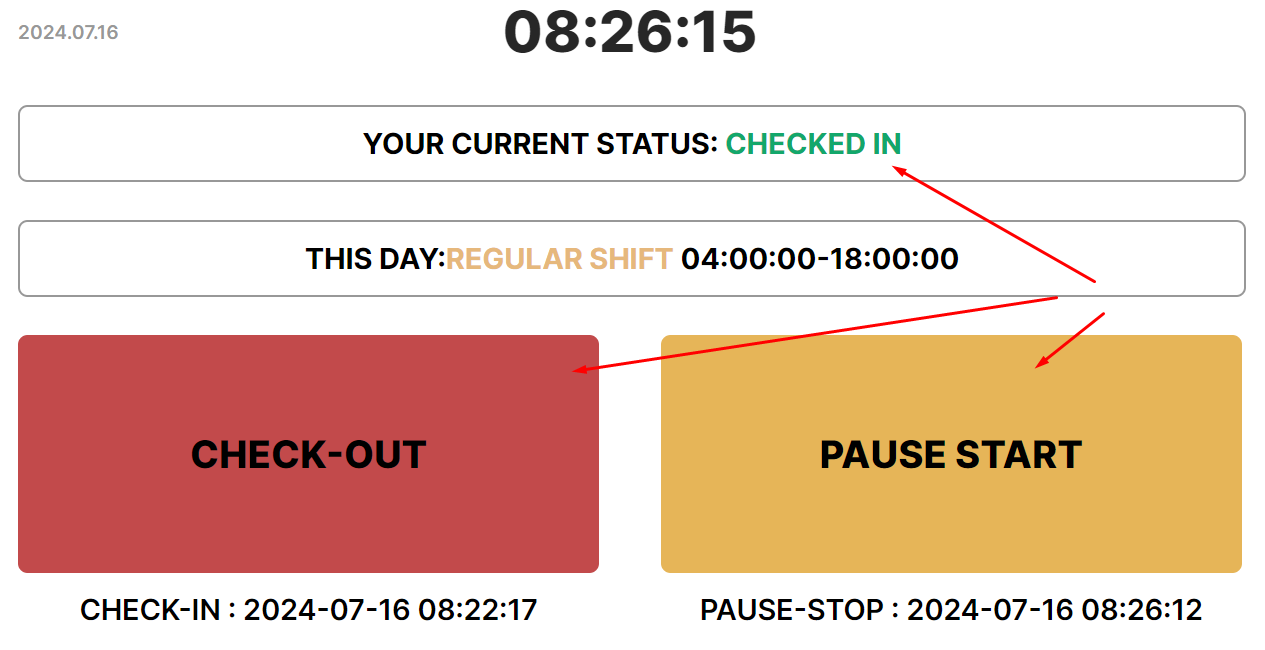
Perform check-out to mark the end of the working day
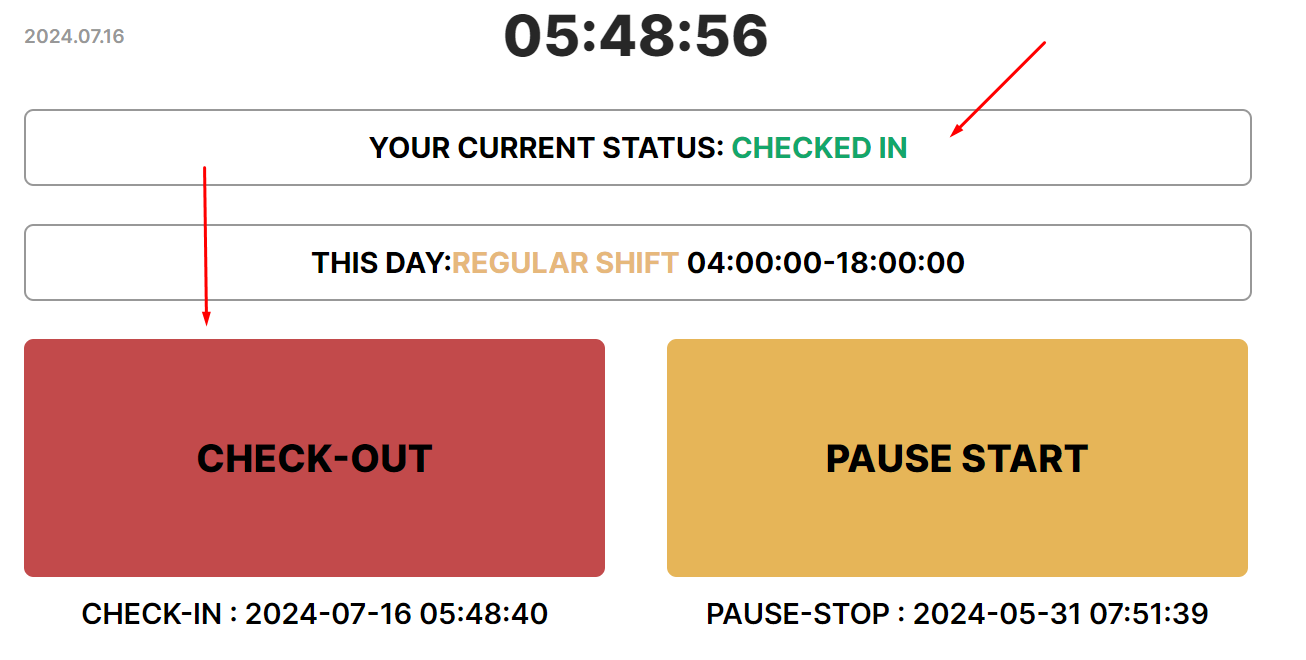
- The status will change to “Checked out”.

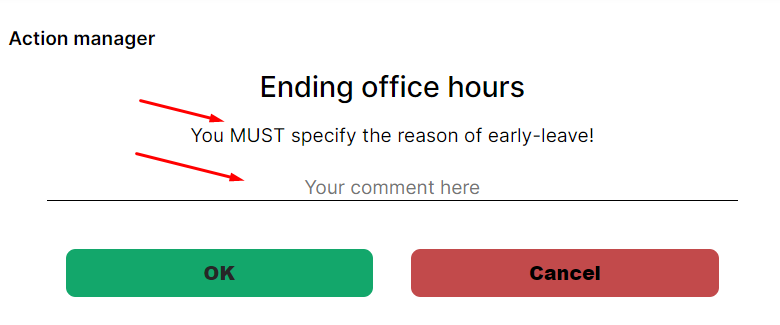
- If check-out is performed before the end of the working day specified in the schedule, the system will record early leave and request a comment. You need to enter a comment and press “Оk”.
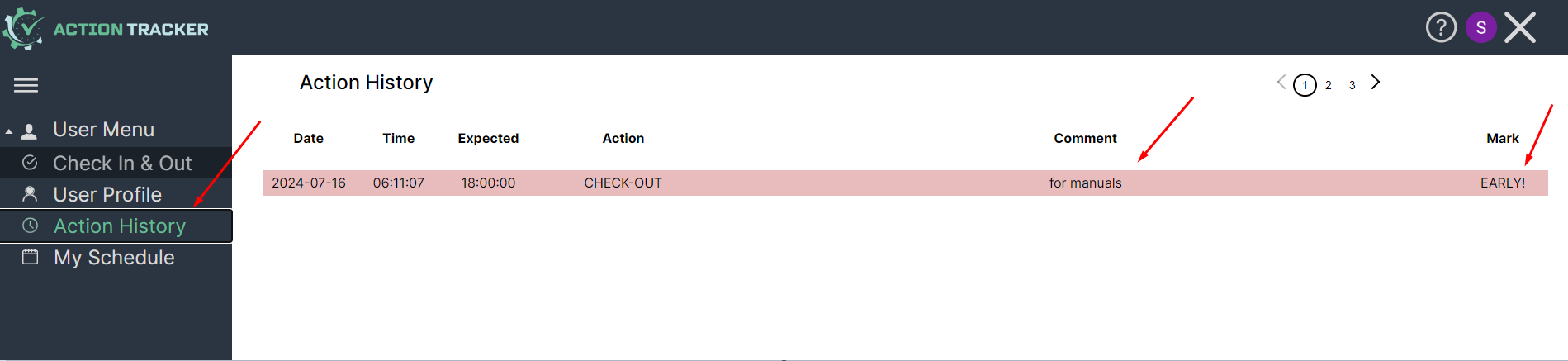
- The status will change to “Checked out”, and an early leave mark will be added to Action History.
- If you do not enter a comment, the system will show a notification of its necessity.
- If you click “Cancel”, check-out will not be executed.
- If you are “On pause” or have not performed a check in, the “check out” button will not be available.
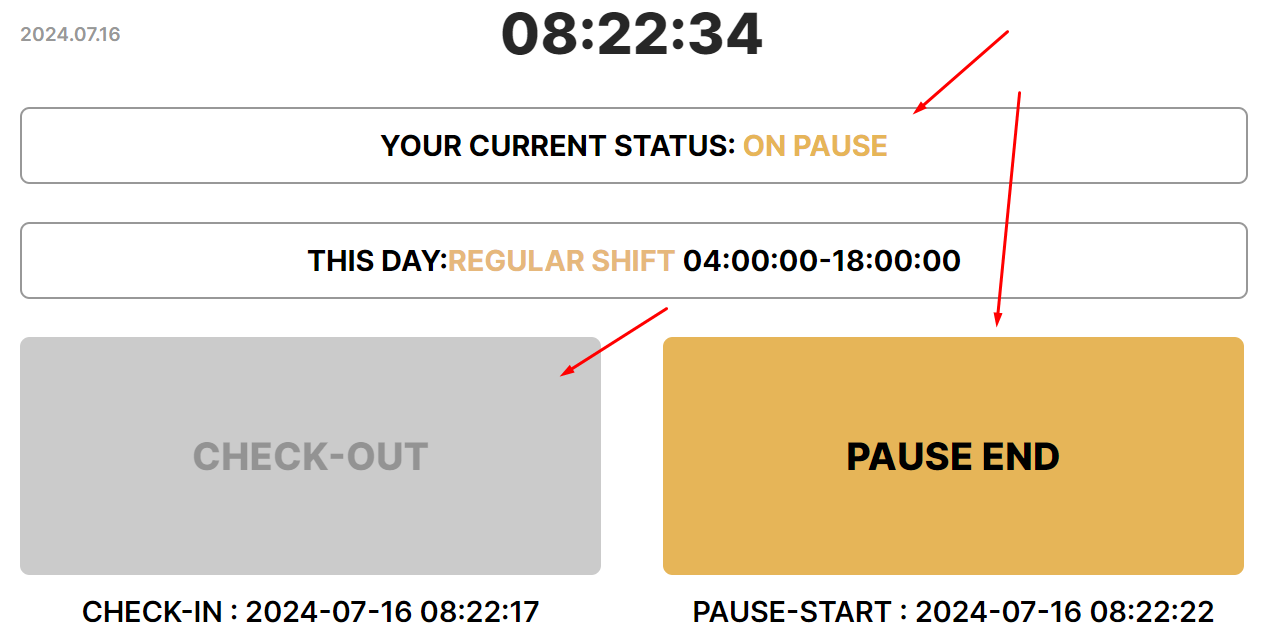
- You need to un-pause
No Comments