
Marking the beginning of the work day
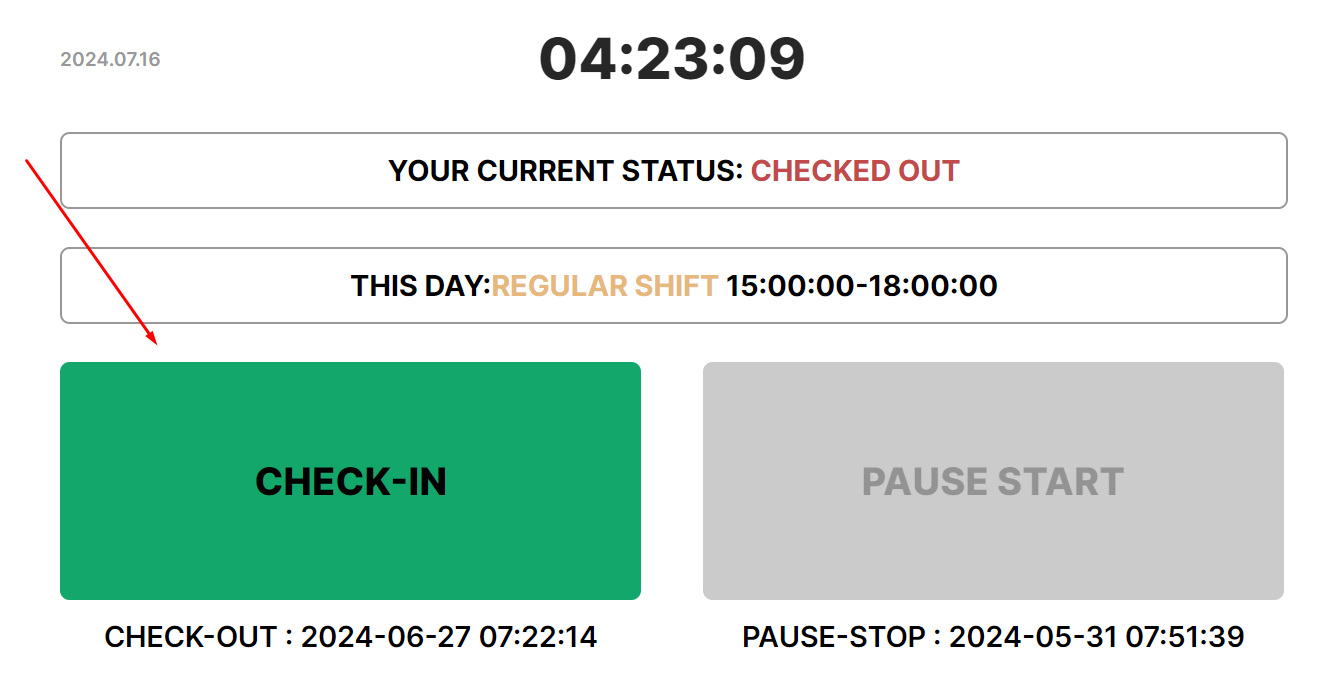
Perform check-in to mark the beginning of the working day
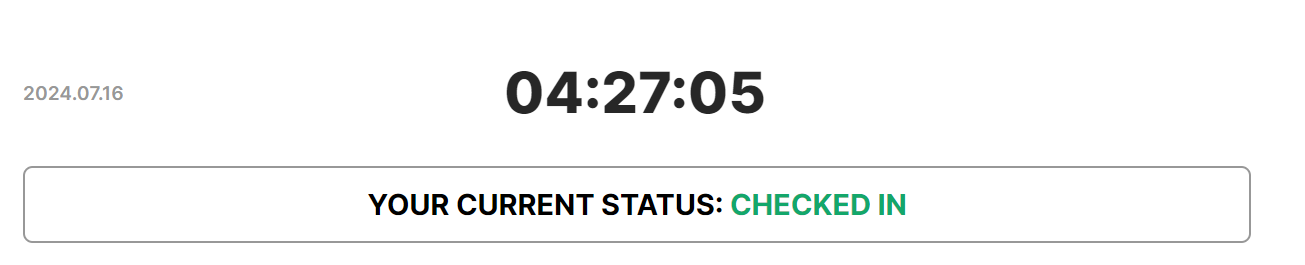
- The status will change to “Checked in”.
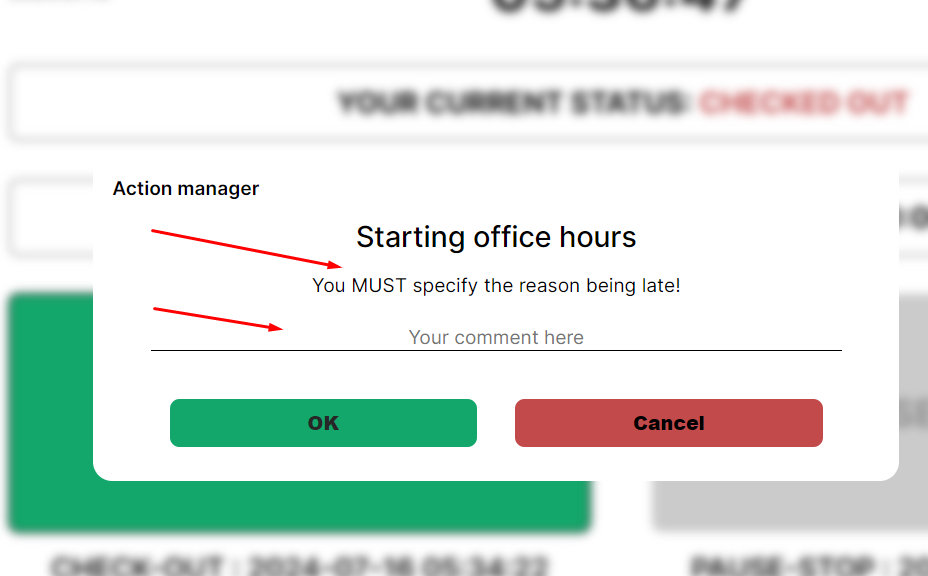
- If the system records being late (checking in after the start of the working day according to the schedule specified in the profile), it will ask for the reason for the delay — a comment. Enter a comment in the input field and press "Ok". If You won't fill Commentary input and press “Cancel”, Check-in won't be recorded to the system.
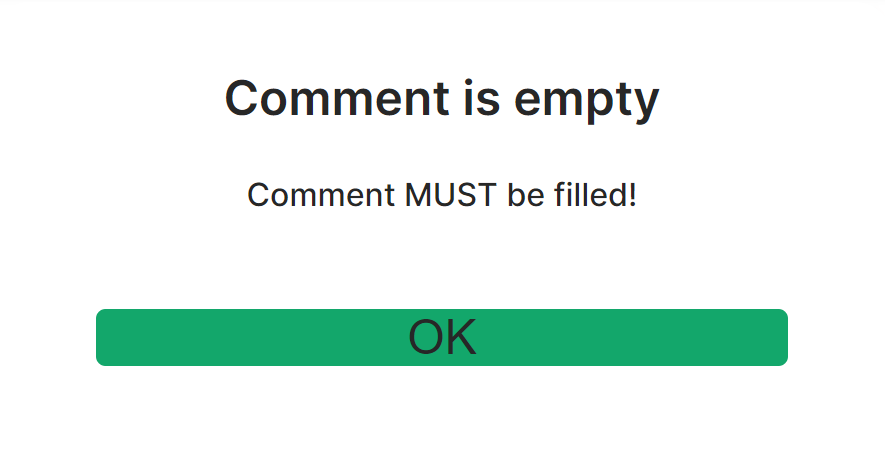
- If you click "Ok" when the comment is not entered (while you are late), the system will show a notification to fill in the comment.
- In the comment field, you should briefly enter a specific and truthful reason for the lateness, and this information will be submitted to the manager.
No Comments