
Authorization in the system
- Go to the a-tracker.net website.
- Use a corporate Google account for authorization.

- If you have multiple authorized Google accounts, you will be asked to choose which one to log in with. Select the email you received invitation to the system to or your primary corporate account.

- After successful authorization, you see the main page of the system.

- Before checking in, check the correctness of the specified user data, working schedule, and work time zone. You can do it in User Profile section. If the data is incorrect, contact support: support.team@a-tracker.net, or make request to change your data using Request Data Change button.
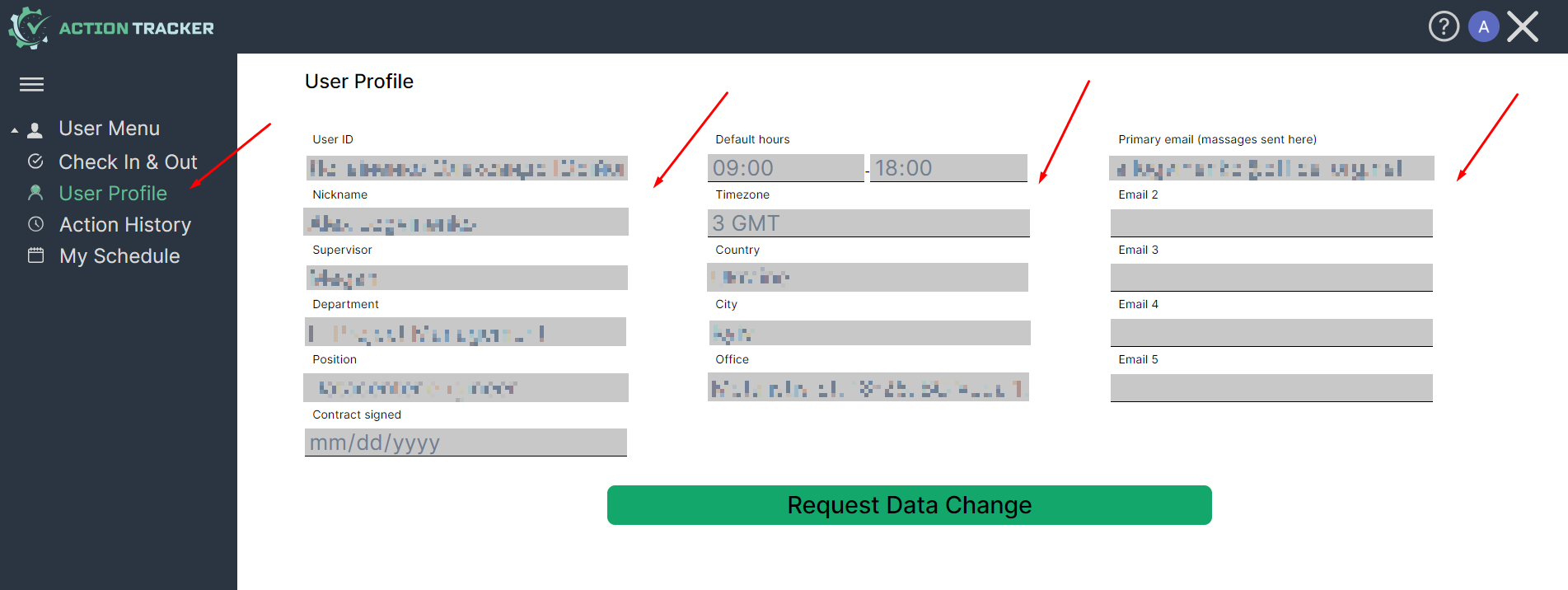
User data contains:
1) Full name,
2) Nickname,
3) Email address (one or more),
4) Management info.
No Comments