
Planning your schedule
By choosing the type of days you want to schedule, you can specify the desired dates for the selected event.
To do this, you need to select the day (or days) that interest you:
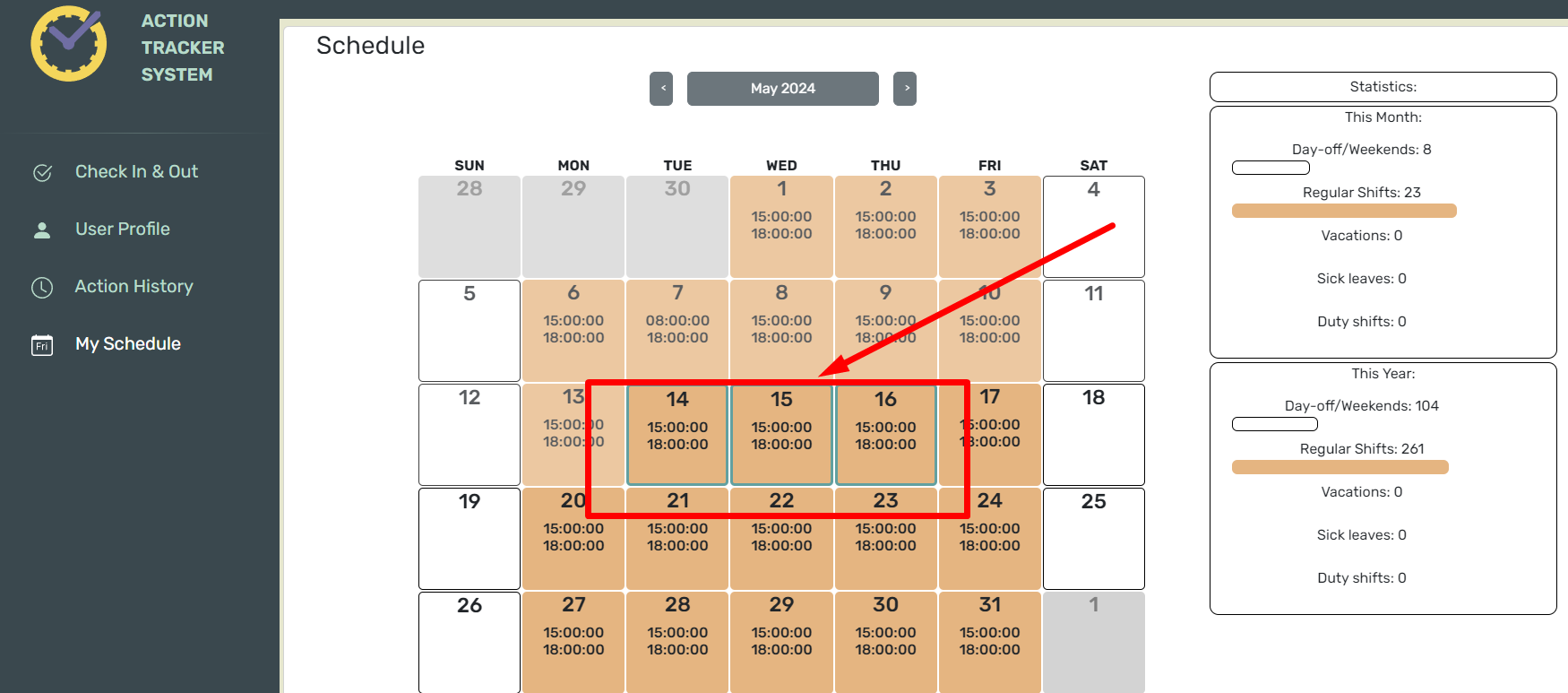
After that, an editing window for the schedule will open in front of you:
Before sending the chart to the manager for approval, you can specify the dates of different events. Each color on the calendar corresponds to an event.

To complete and save the added events, click “Submit”.
To cancel the changes, press “Cancel”.
After you save the changes, you will be notified that you need to receive approval from your manager.

The statistics will display the number of selected days for each event.